
From drawing to keepsake
How it works
Choose your keepsake and pay first. Then personalise each purchased copy and approve its exact preview before production.
-
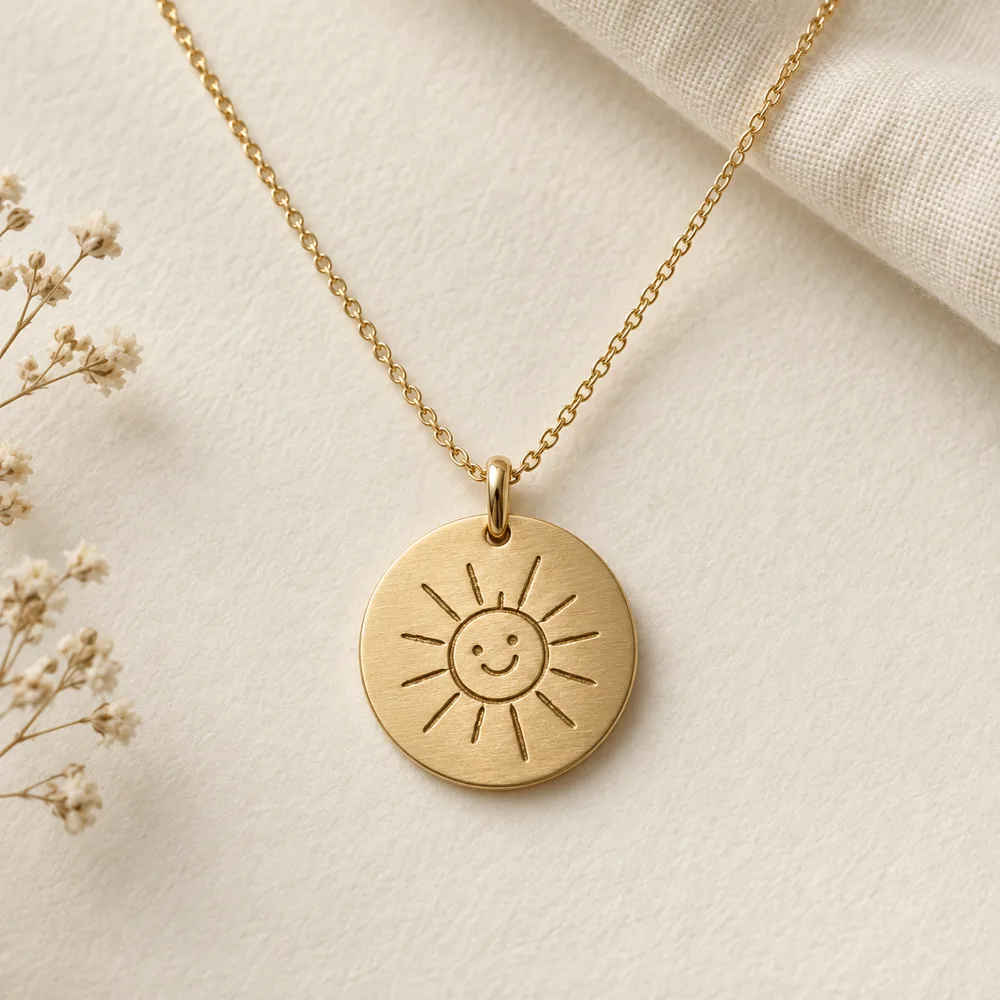
Step 1: Choose and pay
Choose a priced keepsake and variant, add the quantity to your basket and review shipping and tax. Pay by card through Stripe or by the bank transfer / FPS option shown at checkout when checkout is enabled. You do not need to upload a picture before payment.
Unpriced concepts can still be discussed through a design enquiry. An enquiry is not an order or a payment.
-
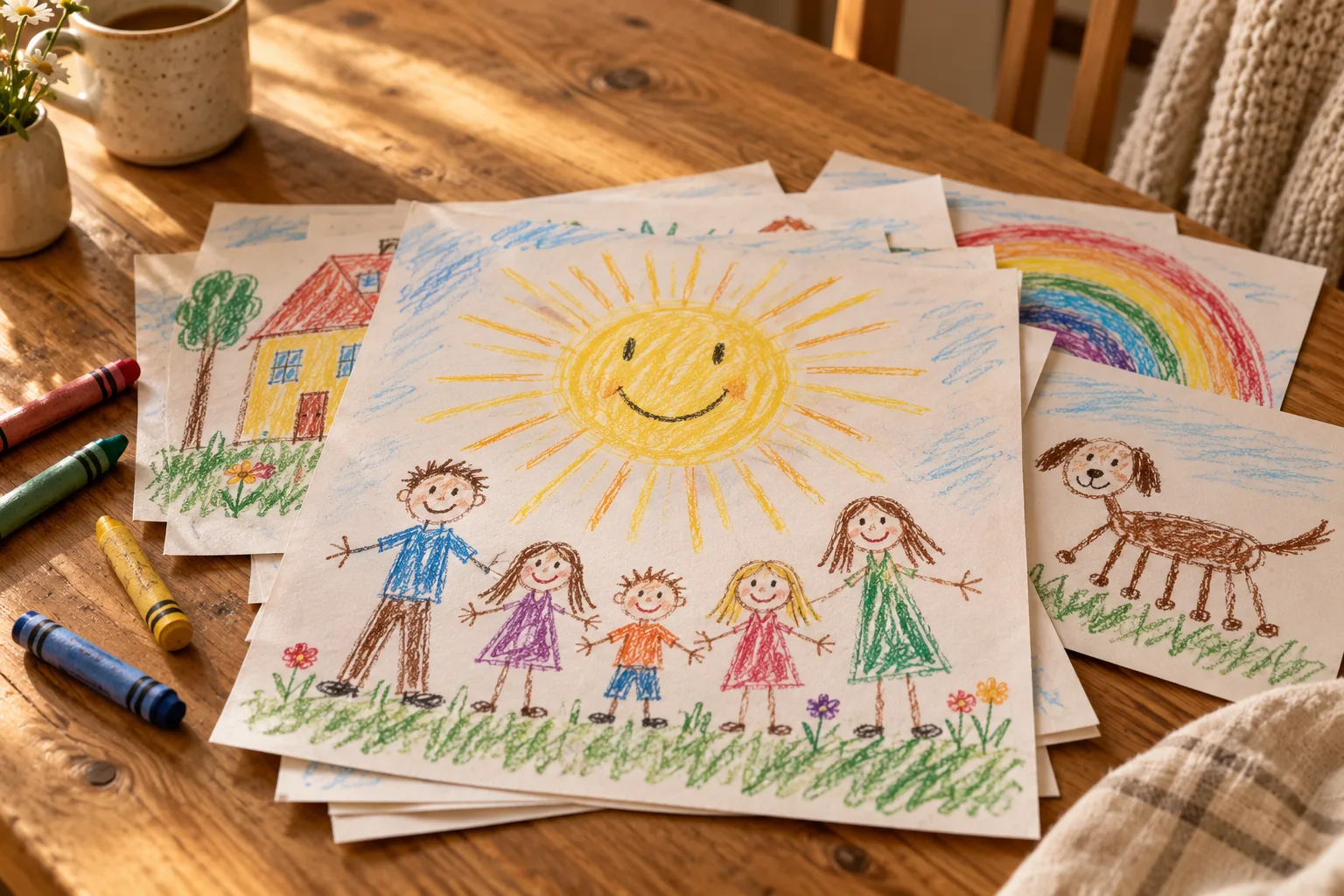
Step 2: Upload or take a photo
Once payment is verified, your private order opens its personalisation page. Each physical copy has its own picture and approval, even when you buy two of the same item.
Upload a JPEG, PNG or WebP picture, use your phone camera, or take a photo in the browser. Confirm that you have the parent or guardian’s permission and the rights to use the picture.
-
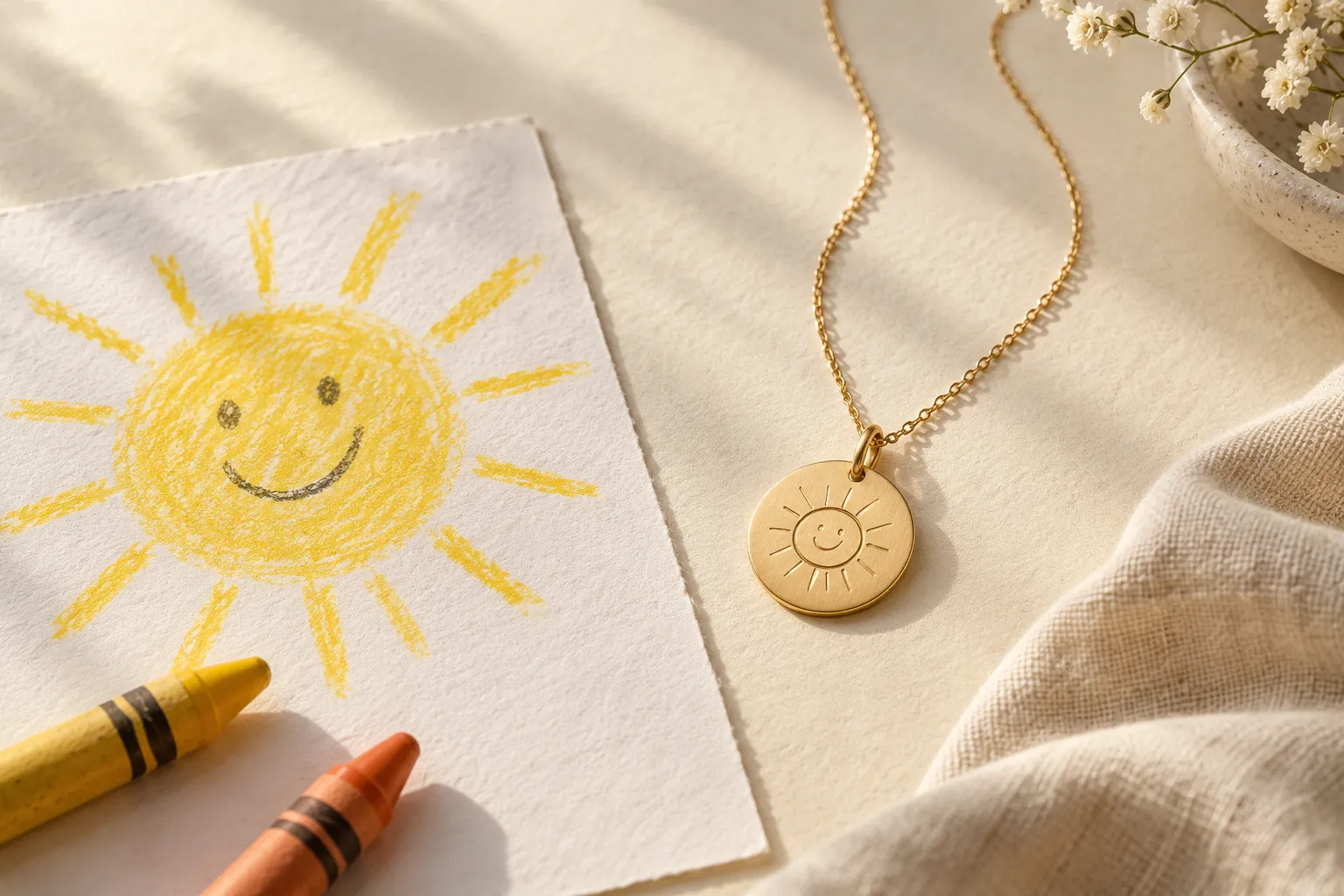
Step 3: Adjust the picture
Zoom in or out, rotate and move the picture inside the frame. Save the area you want to use. Your saved original remains unchanged.
-
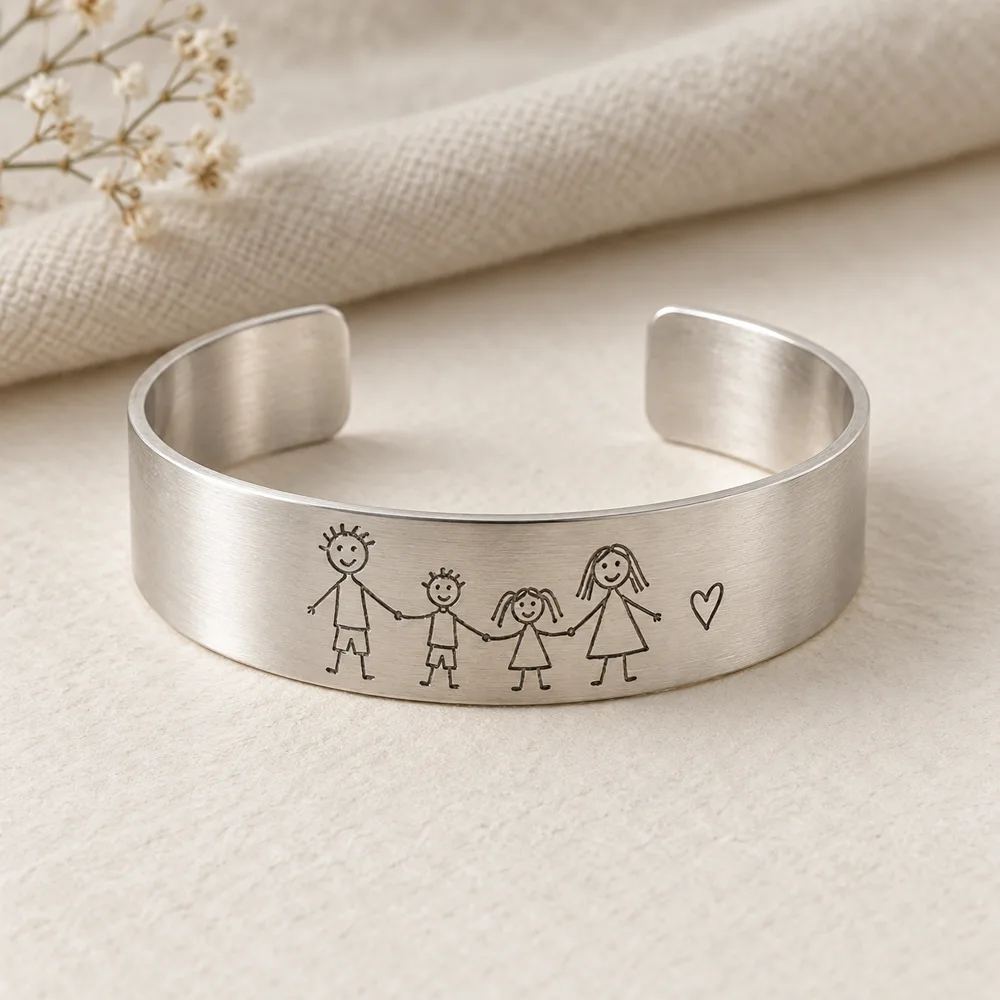
Step 4: Generate and review
With your separate consent, your adjusted picture and the product reference are sent to OpenAI to create an illustrative product preview. Check the lines, writing, faces, placement and selected keepsake carefully; AI can make mistakes.
Ask for changes or adjust the picture and generate another preview within the allowance shown for that copy. Contact the store if you need additional previews. A failed or exhausted generation allowance never approves a design.
-
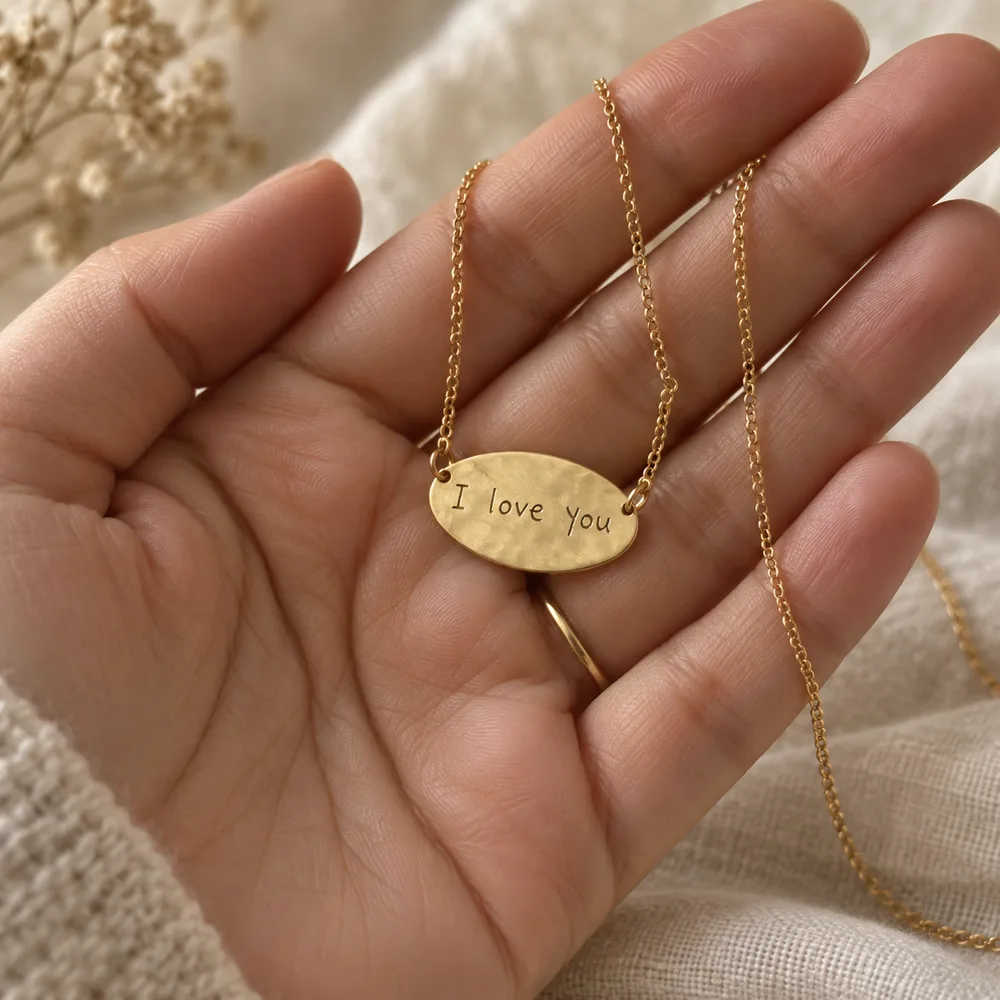
Step 5: Confirm this exact version
Choose the preview you want, open the final review page and confirm both that you checked it and that you approve it for this copy. Enter your name. Only this exact current version becomes approved and locked.
-
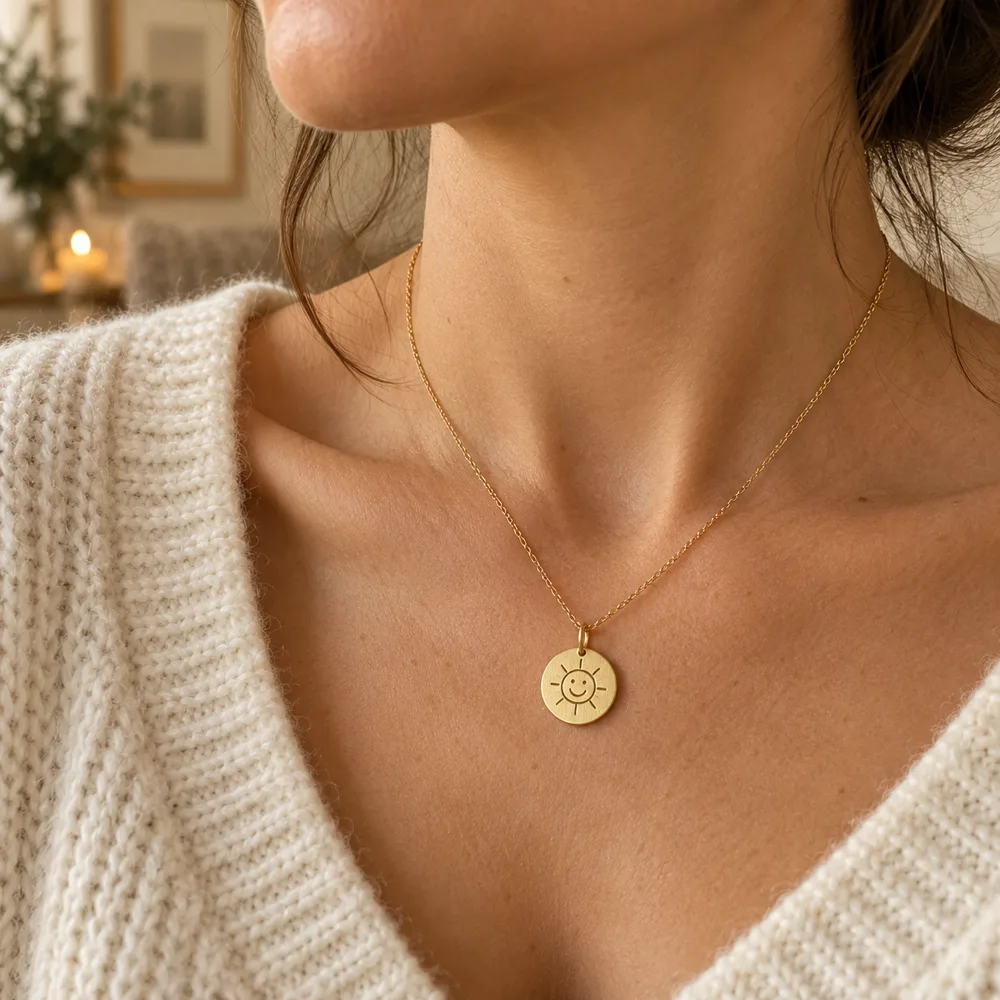
Step 6: Production and delivery
Authorised store staff can begin production and record shipment only for copies with customer-approved designs. Payment alone is not design approval. Check your order receipt for shipment and tracking updates.
Keep exploring
-
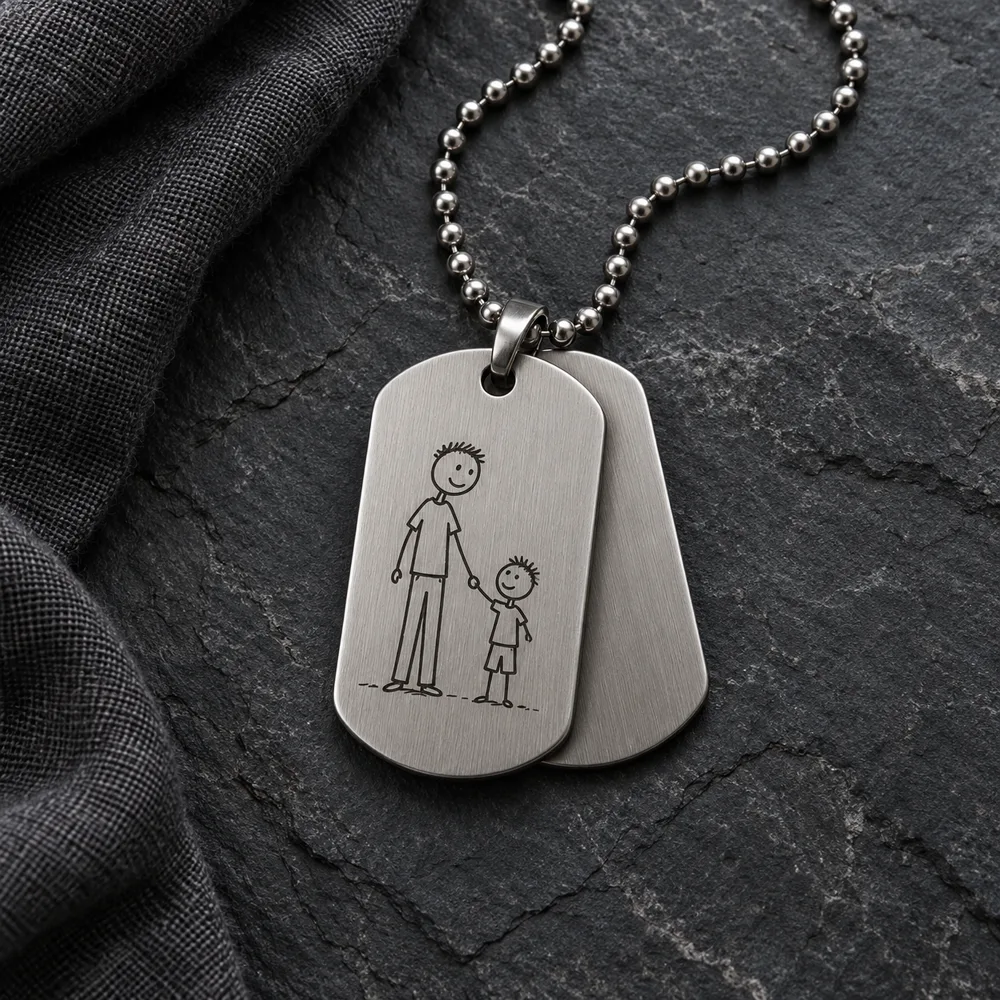
Design approval
Nothing moves forward until you have seen the design and said yes.
-
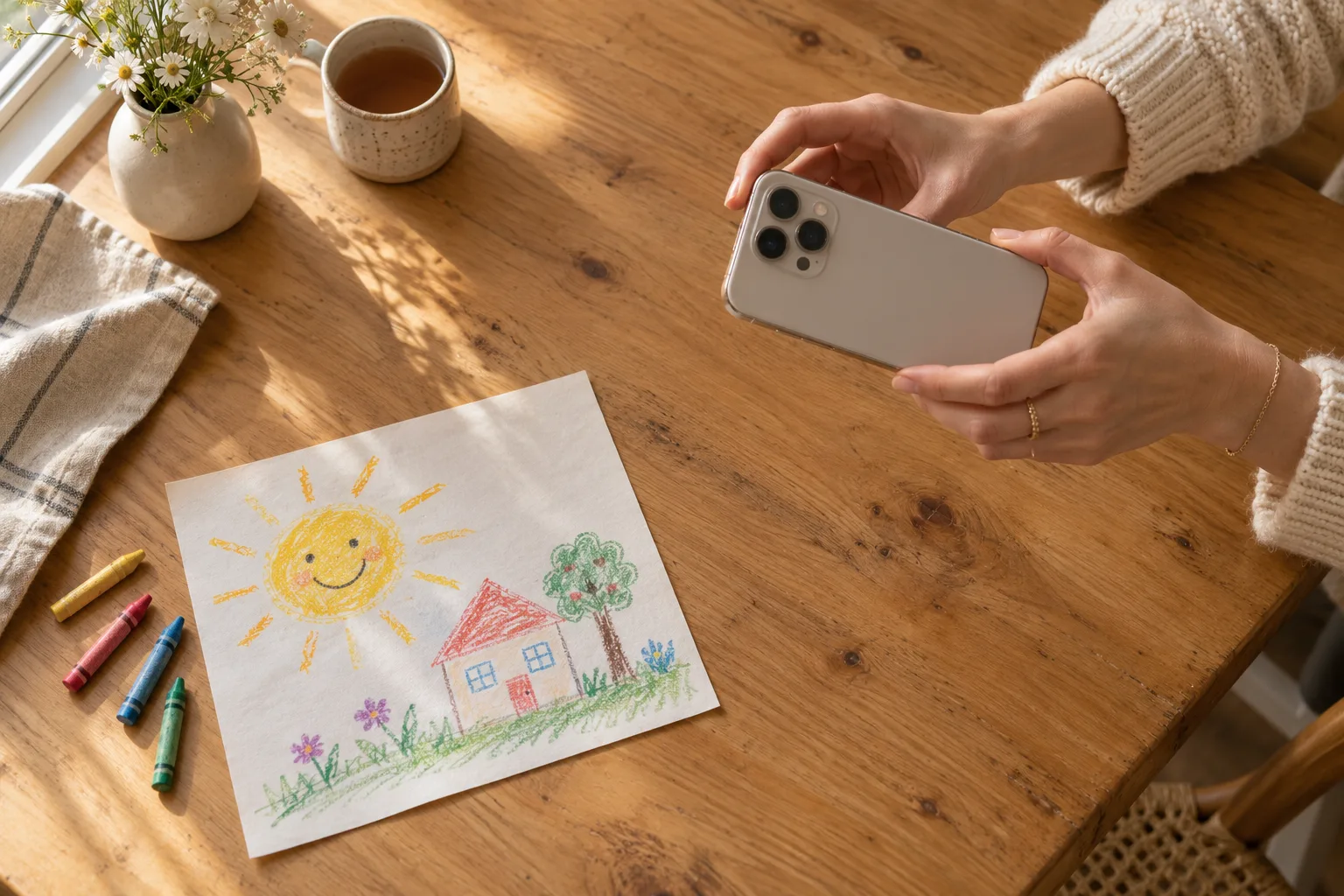
Photo guide
A good picture of the artwork makes a better design. Here is how to take one.
-
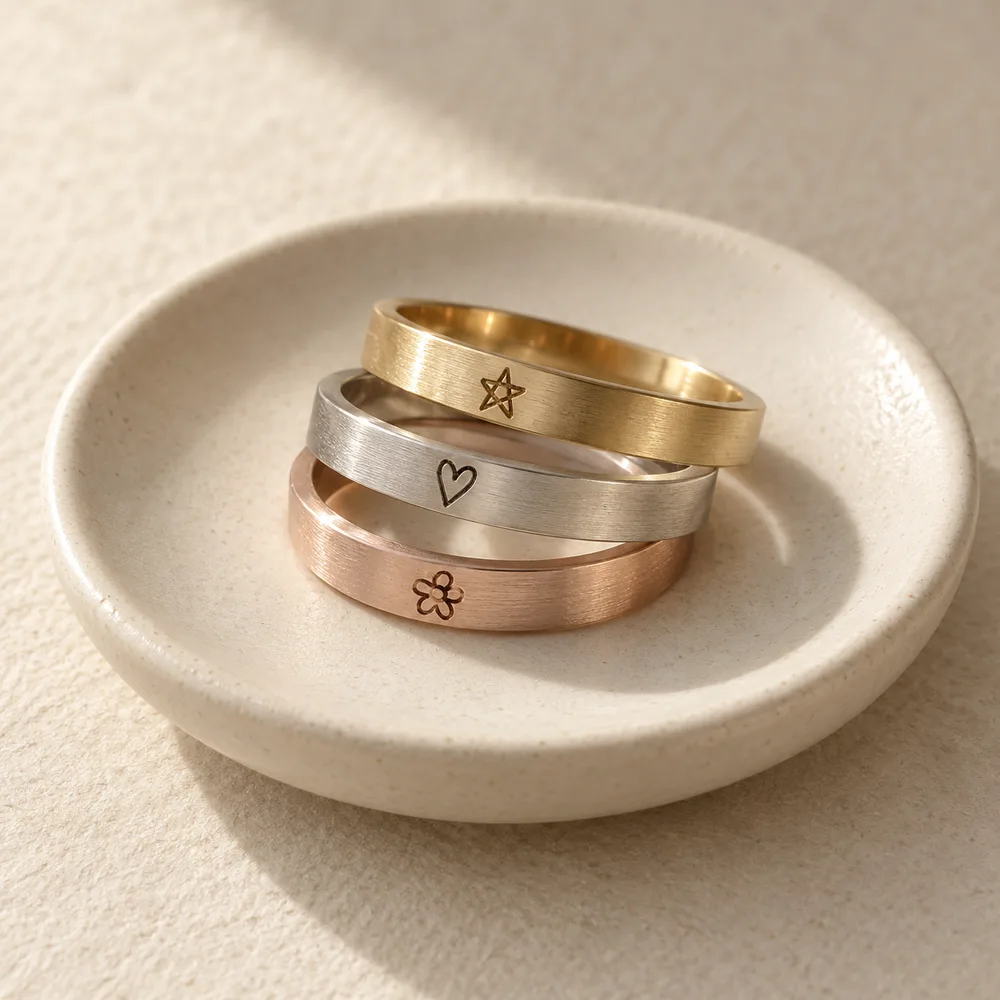
Materials
What we can and cannot tell you about materials right now.
-
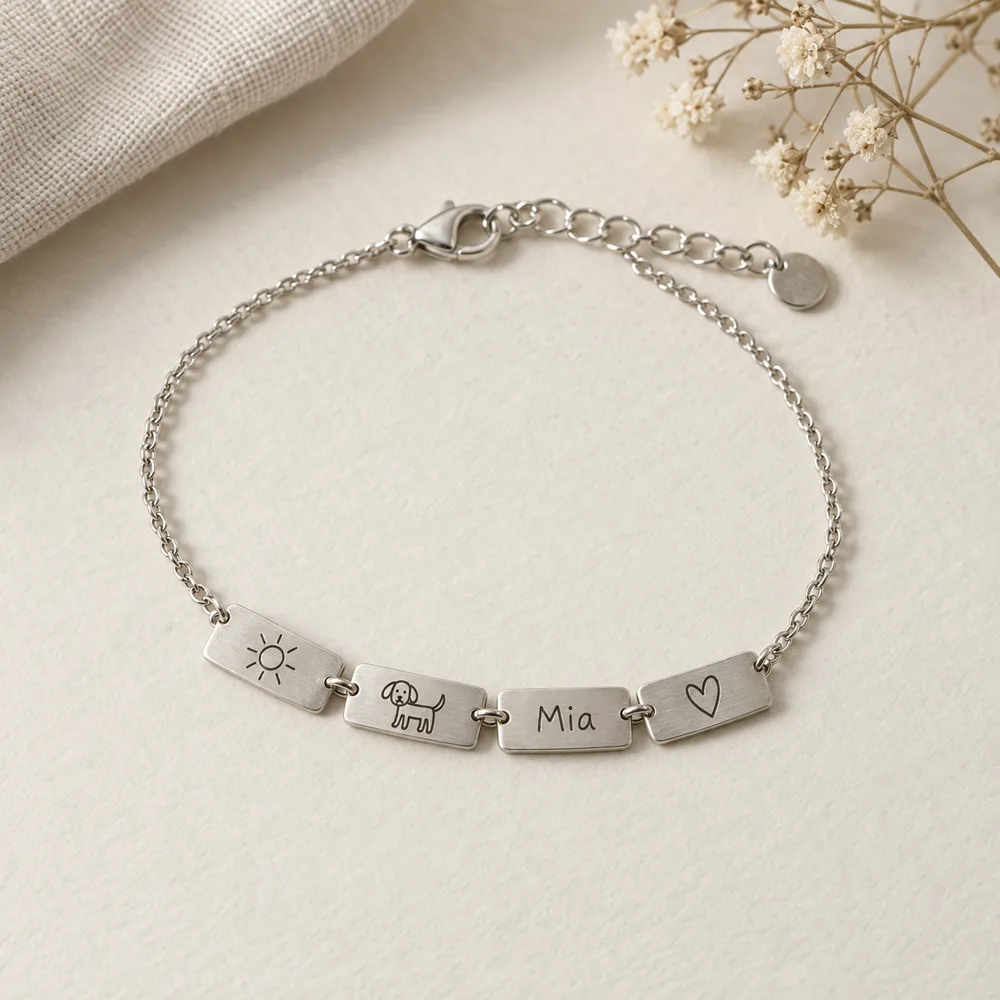
Frequently asked questions
Plain answers about what ByMyKid is today and how a request works.