Help
Design approval
Nothing moves forward until you have seen the design and said yes.
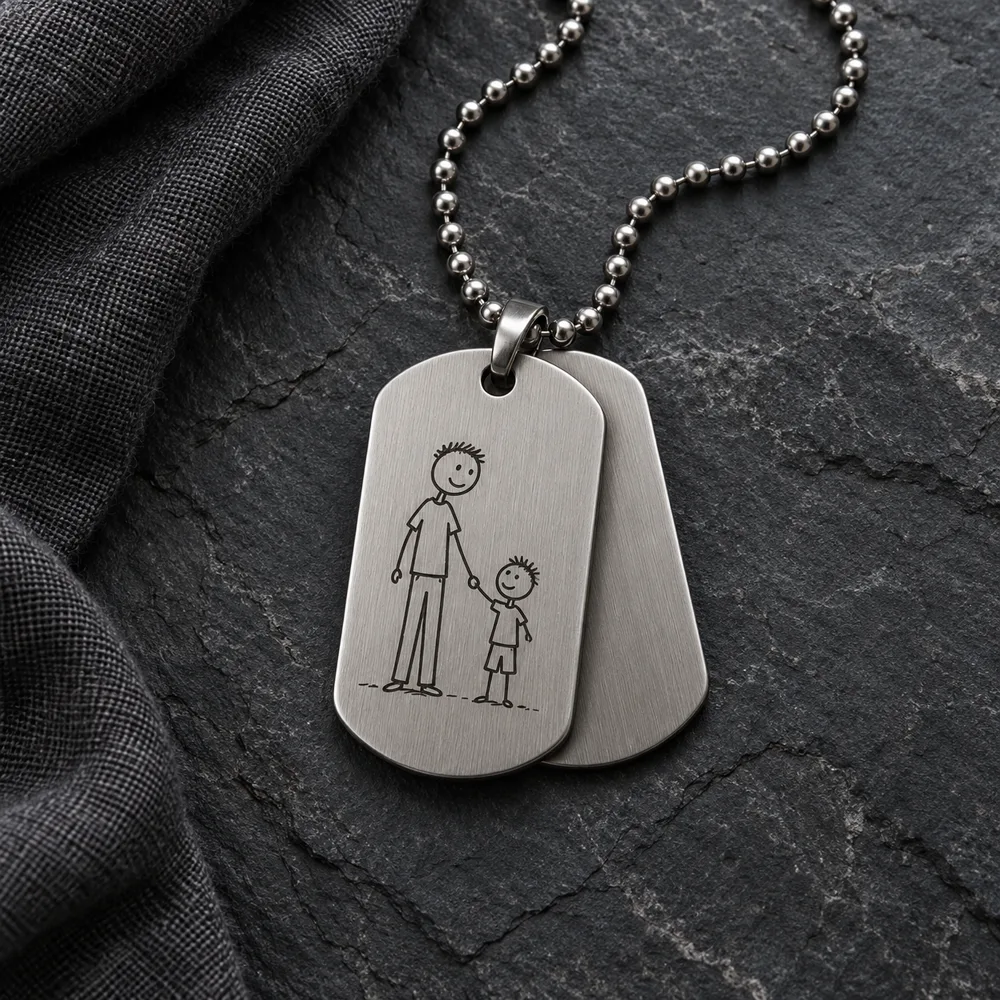
Digital proof first
For a paid personalised order, upload and adjust the picture after payment, then consent to an OpenAI-generated illustrative product preview. Check it carefully: an AI image is not a manufacturing specification or a guarantee of exact colour, size or detail.
Ask for changes
Before approval, adjust the picture or enter what should change and request another AI preview within the displayed allowance. Earlier previews cannot be approved once they have been replaced. Contact the store for further design help.
Your approval is required
Open the final review page, check both confirmation boxes and enter your name to approve the exact current preview for that purchased copy. Approval locks its picture and preview. Other copies need their own approvals. Production and shipping remain blocked for unapproved copies.
You can step away
A design request is not a commitment. You may decide not to proceed at any point before agreeing.
Keep exploring
-
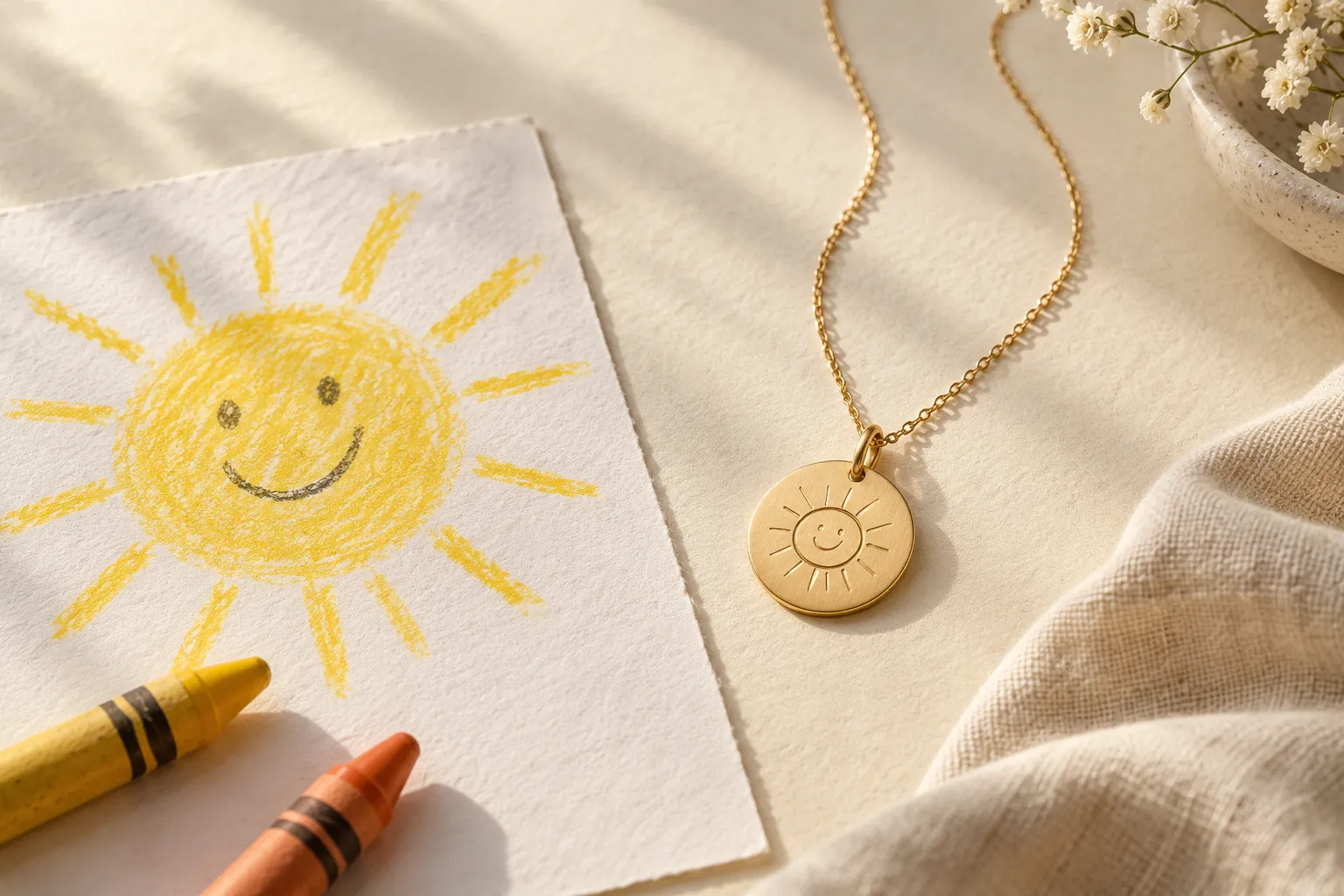
How it works
Choose your keepsake and pay first. Then personalise each purchased copy and approve its exact preview before production.
-
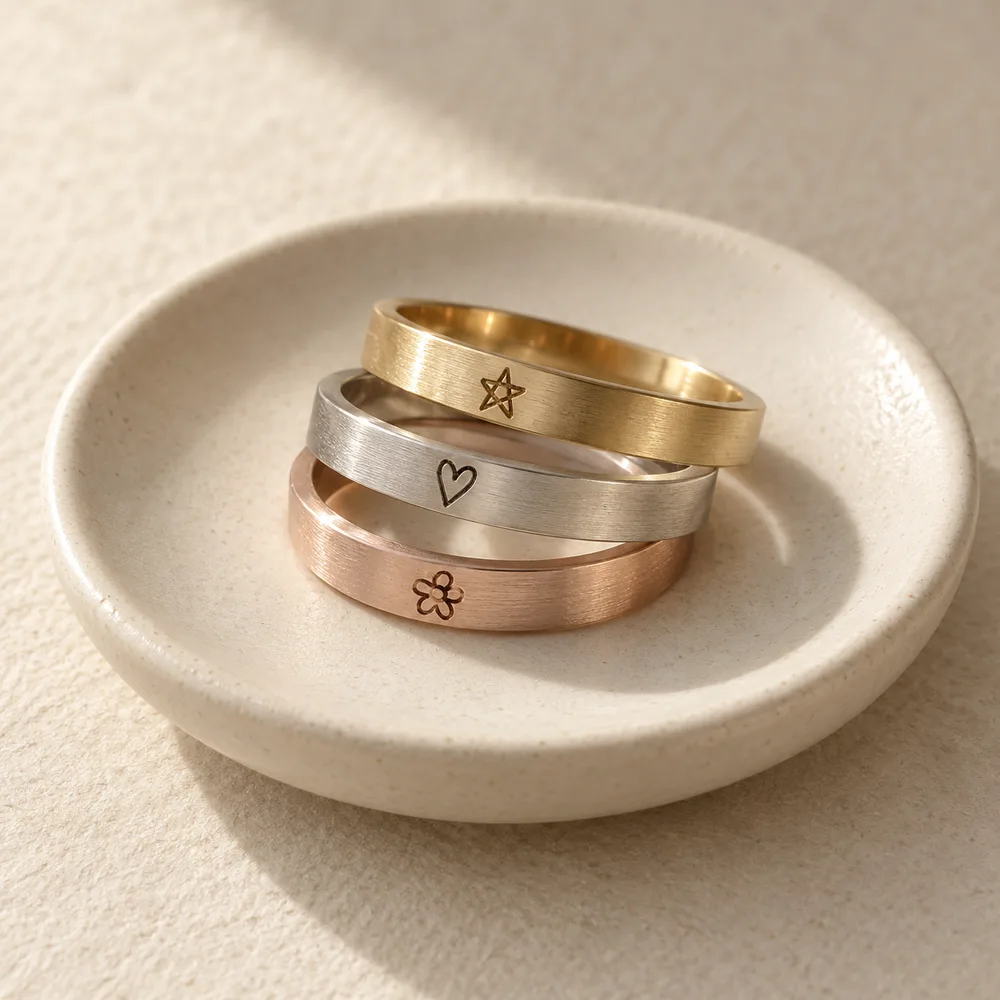
Materials
What we can and cannot tell you about materials right now.
-
Terms
Plain-language terms for using this site and sending a design request.
-
Privacy
How artwork you submit is handled, explained as the site actually works today.